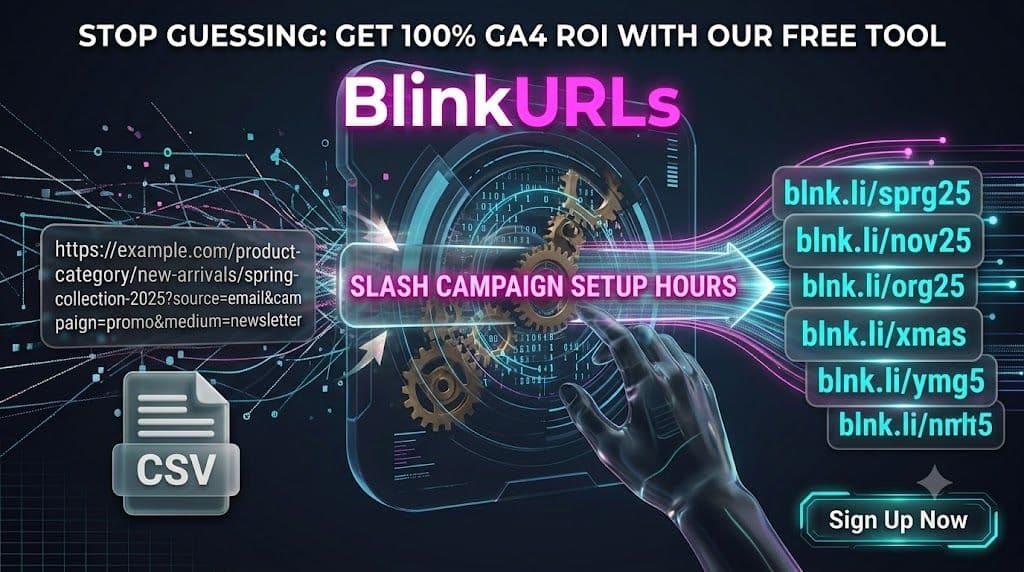
Marketing agencies, e-commerce managers, and newsletter creators face a hidden time sink daily: the relentless, manual process of preparing URLs for multi-channel campaigns. Copying, pasting, meticulously adding UTM parameters, and shortening dozens, if not hundreds, of links one by one. This isn't just inefficient; it's a bottleneck that starves your campaigns of vital launch speed and introduces human error. What if there was a way to bypass this tedious ritual entirely, reducing hours of work to mere seconds?
The secret lies in leveraging a robust Bulk Link Shortener and Bulk UTM Generator. This isn't just about convenience; it's about reclaiming valuable time and ensuring data consistency across every single tracking link you deploy. Imagine preparing an entire email sequence, a comprehensive social media calendar, or an affiliate campaign with hundreds of distinct tracking URLs, all in less time than it takes to brew your morning coffee.
Unlock Unprecedented Efficiency with a BlinkURLs Bulk Link Shortener
The days of manually processing individual links are over. A specialized bulk URL shortener transforms how marketers manage their tracking links. Instead of a painstaking one-by-one approach, you can process vast quantities of URLs simultaneously, generating clean, trackable, and brand-consistent links with astonishing speed. This is particularly crucial for those managing large-scale operations or intricate campaigns requiring granular attribution.
Whether you need to shorten URLs in bulk for email campaigns, populate product feeds, or create hundreds of affiliate links, a reliable mass link shortener free or premium service is indispensable. It streamlines the entire process, from initial URL collection to final deployment, ensuring every link is optimized for performance and data capture.
The Power of a Programmatic Link Creation Tool
At its core, a programmatic link creation tool like the one offered by BlinkURLs allows you to automate what was once a highly manual, error-prone task. This means more than just shortening; it involves intelligent processing that can append consistent UTM parameters, select custom branded domains, and prepare links for immediate use across diverse platforms. Think of it as your campaign launchpad, ready to fire off perfectly formatted links at a moment's notice.
- Edge-Native Speed: Process hundreds or even thousands of URLs in a flash, thanks to optimized infrastructure designed for rapid batch processing.
- Automatic UTM Normalization: Say goodbye to inconsistent casing or misspelled parameters. The Bulk UTM Generator ensures all your UTMs (source, medium, campaign, content, term) are consistent and lowercase.
- Custom Domain Support: Elevate your brand by using your own branded short domains for all bulk-generated links, boosting trust and click-through rates.
- Instant CSV/PDF Export: Receive your perfectly formatted tracking links in a ready-to-use CSV or PDF file, making deployment effortless.
Step-by-Step: Master the BlinkURLs Bulk Link Shortener and UTM Generator
Using the BlinkURLs CSV Tracking Link Generator is designed to be intuitive and fast. Here’s how you can generate multiple tracking links at once free and with precision:
1. Prepare Your Batch URL List (CSV or Direct Paste)
Your journey begins with your source URLs. You can either:
- Directly Paste: Copy and paste a list of long URLs directly into the input field, with each URL on a new line.
- Upload CSV: For larger or more complex sets, prepare a CSV file. Each row should contain one long URL in the first column. You can also include columns for specific UTM parameters if you want unique values per link, or leave them blank to apply global parameters.
2. Apply Global Campaign UTM Parameters
This is where the Bulk UTM Generator shines. Instead of manually typing UTMs for each link, you can set global parameters that will be automatically appended to every URL in your batch. This ensures consistent data for your analytics platforms, especially GA4 attribution.
- Navigate to the UTM section within the BlinkURLs bulk tool.
- Input your desired UTM source (e.g., 'email', 'social_media'), UTM medium (e.g., 'newsletter', 'instagram'), and UTM campaign (e.g., 'spring_sale_2025').
- Optionally, add UTM content (for A/B testing variations) and UTM term (for paid search keywords).
- The tool will automatically normalize these to lowercase for data consistency.
3. Select Your Custom Branded Domain (Optional)
To truly own your short links and enhance brand recognition, select one of your connected custom domains. This replaces the generic blnk.li with your branded URL, significantly improving professionalism and trustworthiness. This feature is particularly valuable for marketing agencies and large enterprises.
4. Execute Bulk Creation and Download Your Output
With your URLs ready and UTMs configured, hit the 'Generate Links' button. The BlinkURLs system will instantly process your batch, shorten each URL, append the UTMs, and apply your custom domain. In moments, you'll be able to download your final, perfectly formatted tracking links.
- Choose to export your links as a CSV file, ideal for uploading directly into other marketing tools, spreadsheets, or for further analysis.
- Alternatively, download a PDF report for easy sharing or archival.
This streamlined process is how you finally escape the manual link management trap and embrace a smarter, faster way to prepare your campaigns. It’s the best bulk link shortener for marketing agencies, e-commerce platforms, and content creators who value both efficiency and data integrity.
Frequently Asked Questions About Bulk Link Shortening
Is there a limit to how many links I can shorten in bulk?
While most free mass link shortener free tools have limitations, BlinkURLs offers generous allowances, with premium plans designed to handle thousands of links in a single batch, making it suitable for even the largest campaigns. Check the specific tool page at blinkurls.com/tools/bulk-shortener for current limits.
Can I use custom branded domains for bulk links?
Yes, absolutely. BlinkURLs supports custom branded domains for all your bulk-generated links. This is a powerful feature for maintaining brand consistency and improving click-through rates across all your marketing channels.
How do bulk links preserve GA4 attribution data?
When you use the BlinkURLs Bulk UTM Generator, the UTM parameters you define are appended directly to the original long URL before it's shortened. This ensures that when the short link is clicked and redirects, the full URL with all its UTM tags is passed to your website, allowing Google Analytics 4 (GA4) to accurately attribute the traffic source, medium, and campaign data.
Finally, Eliminate Campaign Setup Headaches
The time you spend wrestling with individual URLs is time you could be investing in strategy, content creation, or audience engagement. By adopting a powerful Bulk Link Shortener and Bulk UTM Generator like BlinkURLs, you not only save countless hours but also gain unparalleled consistency and accuracy in your tracking data.
Ready to experience the future of link management? Stop the manual grind and instantly generate your next batch of perfectly tracked, branded short links. Visit the BlinkURLs Bulk Shortener tool today and transform your workflow.
Generate Standardized UTM Links for GA4
Eliminate dark traffic and measure multichannel ROI. Generate clean campaign URLs and shorten them into branded links in seconds.
Reviews & Comments
Join the conversation. Share your thoughts, rate this article, and help us improve.
Reader Activity (0)
No approved reviews yet. Be the first to leave a comment!
Leave a Review
Your email address will not be published. Required fields are marked *
Deploy on High-Performance Infrastructure
Hostinger provides fast, secure, and affordable web hosting for your brand.
Sub-50ms Edge Redirects
Don't let slow links kill your conversion rate. Experience the world's fastest redirect engine.
Stay ahead of the curve
Elevate your growth alongside 5,000+ elite link scientists receiving our weekly insights on optimization and digital scale.
Stop Guessing: Fix Instagram Link Tracking for Bio, Stories & Reels (Free)
More from Marketing
View all
UTM Link Generator 101: How to Build, Track, and Optimize Campaign URLs for Maximum Marketing ROI (2026 Guide)
Stop Wasting Ad Spend: A/B Split Testing for Social Ads Unlocked (Free)