
Need better attribution?
Build surgical campaign links with our free UTM Builder before generating your QR.
A Better
Scanning Engine.
Most QR generators create cluttered codes that are hard to scan. BlinkURLs optimizes every pixel for maximum reliability.
Secure Routing
Every scan is protected by our global security engine to prevent malicious redirects.
Mobile Optimized
Specifically tuned for native iOS and Android camera scanners.
Edge Generated
No server latency. Your codes are rendered instantly at the edge.
Common Questions.
Are these QR codes permanent?
Yes. If you link to a direct URL, the QR code will work as long as that destination exists. If you shorten your link with BlinkURLs first, you can update the destination later without changing the QR code.
Can I customize the colors?
Absolutely. Our free generator provides professional presets. For custom HEX codes and logo uploads, you can create a free BlinkURLs account.
Which format is best for printing?
For digital use, PNG is perfect. For high-quality print like posters or packaging, we recommend the SVG format available in our professional suite.
Do I need to pay for commercial use?
No. QR codes generated on BlinkURLs are free for both personal and commercial use.
How to Generate.
Creating a professional QR code takes less than 30 seconds with BlinkURLs.
Insert Destination
Paste your website URL, social profile, or link into the generator field.
Brand Alignment
Select custom colors and upload your company logo for a professional look.
Deploy Anywhere
Download in PNG or SVG format and use on business cards, posters, or digital ads.
Create Branded Artistic QRs.
Blend your corporate identity directly behind the QR matrix using our next-gen halftone stipple engine.
Input & Shorten Link
Enter your destination URL. Tip: Click 'Shorten & Track' to convert it to a short BlinkURL first so you can update the destination anytime without changing the printed QR code.
Activate Artistic Mode
In the sidebar preview, click the '✨ Artistic (Social)' tab toggle. This switches the rendering layout from generic square grids to our halftone canvas engine.
Upload Your Corporate Brand Logo
Upload a clean, high-contrast version of your logo. Our pixel-sampling engine will dynamically position it directly behind the matrix.
Fine-Tune Palette & Atmosphere
Use the Hex Color presets or custom palette picker to set your foreground stipples and matching background to perfectly blend your logo's aesthetics.
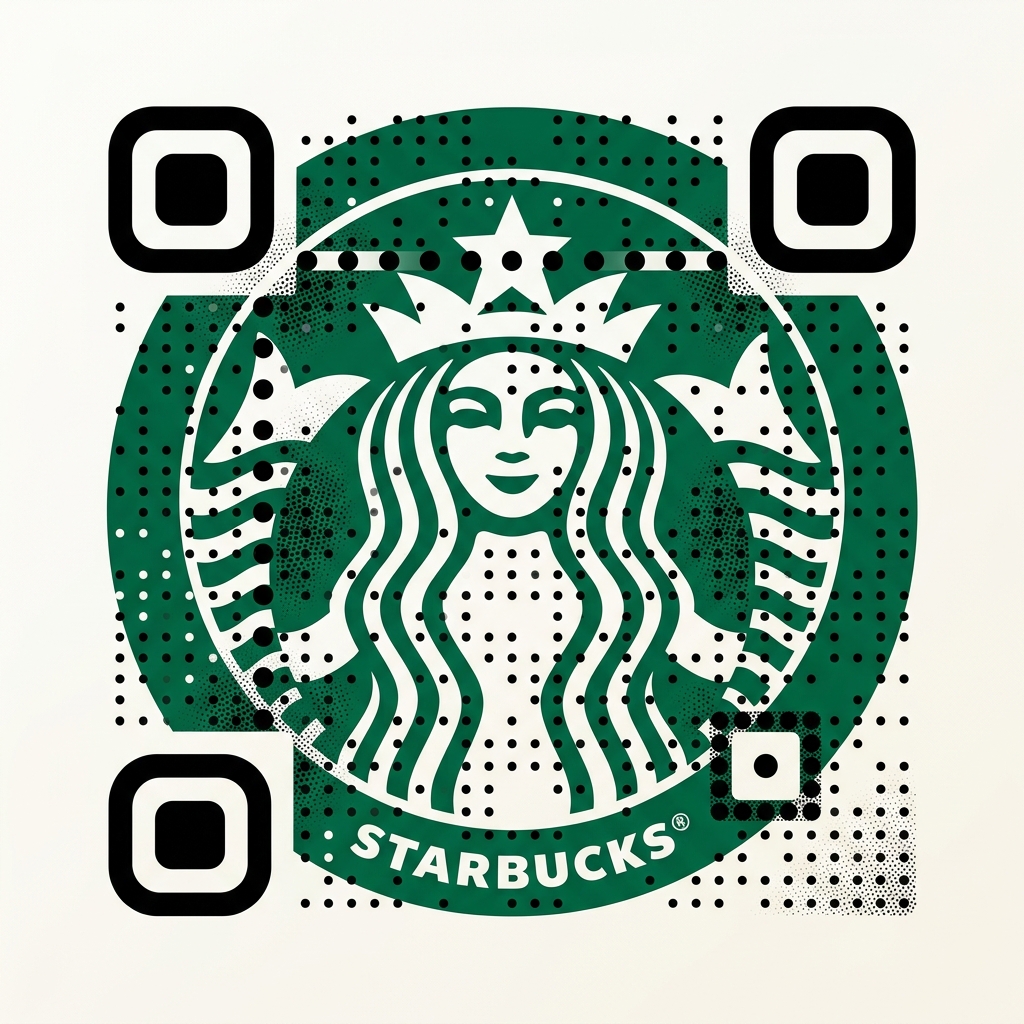
Premium Halftone Blending
Stippled halftone gradients merge art and functionality, increasing scanning engagement by up to 400% over standard black-and-white grids.