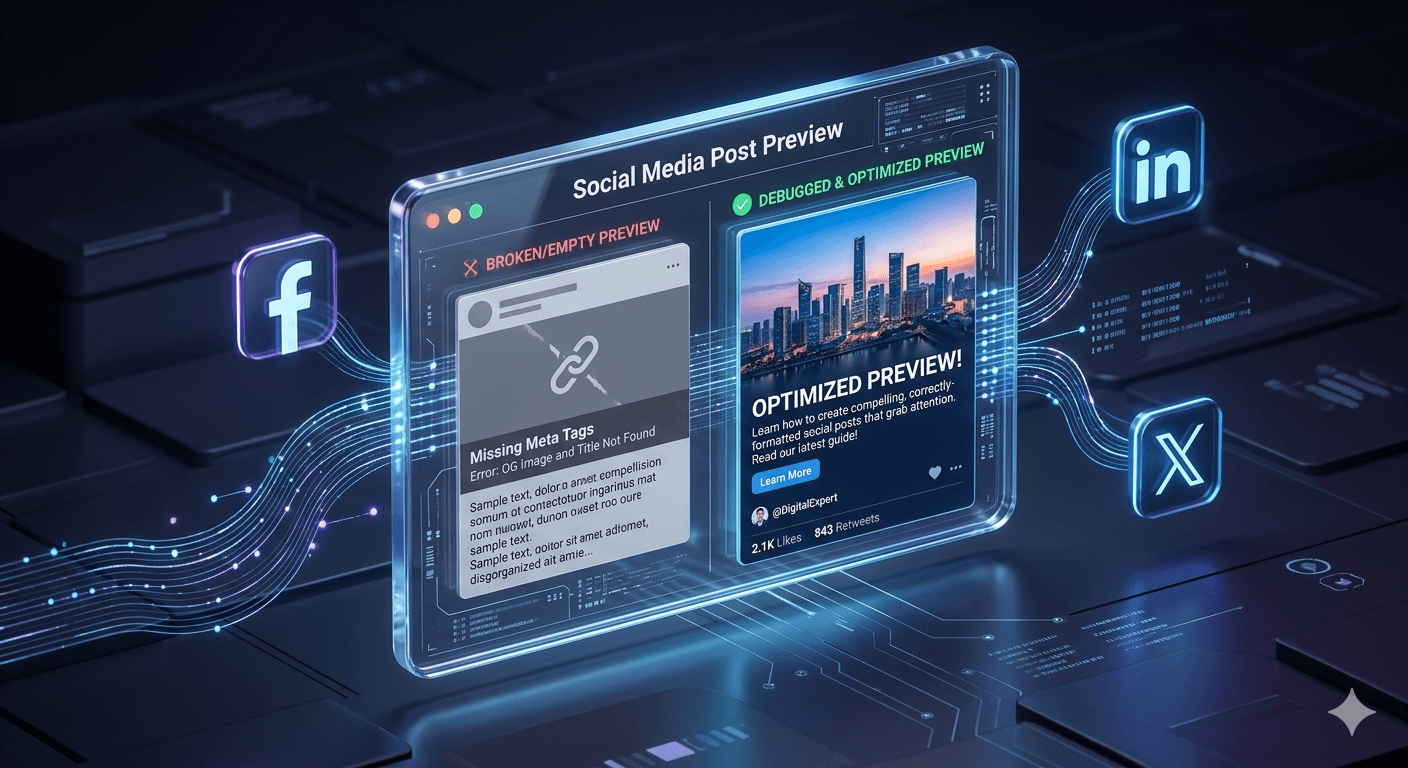
Have you ever spent hours perfecting a blog post or a product page, only to share the link on Facebook or X (Twitter) and watch it completely fall apart?
Maybe the image is missing. Maybe the title is cut off. Or worse, it’s pulling a random "placeholder" image from your sidebar instead of your beautiful hero graphic. This isn't just a minor glitch; it’s a click-killer. In a feed full of high-quality content, an "ugly link" looks unprofessional and—honestly—a little bit sketchy.
To help you win the battle for the feed, we’ve launched a brand-new, completely free tool: the
What are OG Tags, anyway?
"OG" stands for Open Graph. These are tiny bits of code that act like a "business card" for your website. When you paste a link into a social app, the platform (like LinkedIn or Facebook) looks at these tags to decide:
Which Image to show.
What Title to display.
Which Description will entice people to click.
If these tags are missing or broken, the social platform just "guesses"—and it usually guesses wrong.
How the Previewer Saves Your Clicks
Our new tool is designed to take the guesswork out of sharing. Here’s how it helps you dominate the scroll:
1. Instant Visualization
Before you hit "Post," you can see exactly how your link will look across different platforms. No more "post-and-delete" cycles because the thumbnail looks weird.
2. The Debugger Advantage
If your preview looks wrong, our debugger tells you why. It checks your site's metadata in real-time to see if your images are too small, your titles are too long, or if your OG tags are missing entirely.
3. Fresh Data (No More "Ghost" Previews)
Social platforms often "cache" (save) your old link info. If you update your blog's featured image but the old one still shows up when you share it, our tool helps you identify the issue so you can force the platforms to update their memory.
Why This Matters for Your Traffic
In 2026, social media is more visual than ever. A link with a high-quality, relevant preview image gets significantly more engagement than a plain text link. By using the Social Previewer, you are ensuring that every time someone shares your content, it looks premium, professional, and—most importantly—clickable.
Try it out!
Don't let a broken tag stand between you and your audience. Head over to our
Generate Standardized UTM Links for GA4
Eliminate dark traffic and measure multichannel ROI. Generate clean campaign URLs and shorten them into branded links in seconds.
Reviews & Comments
Join the conversation. Share your thoughts, rate this article, and help us improve.
Reader Activity (0)
No approved reviews yet. Be the first to leave a comment!
Leave a Review
Your email address will not be published. Required fields are marked *
Deploy on High-Performance Infrastructure
Hostinger provides fast, secure, and affordable web hosting for your brand.
Sub-50ms Edge Redirects
Don't let slow links kill your conversion rate. Experience the world's fastest redirect engine.
Stay ahead of the curve
Elevate your growth alongside 5,000+ elite link scientists receiving our weekly insights on optimization and digital scale.
Why Pinoy Entrepreneurs are switching from Linktree to BlinkURLs in 2026
More from Social Media
View all
Stop Guessing: Fix Instagram Link Tracking for Bio, Stories & Reels (Free)
Fix Broken Facebook Previews Instantly: Bypass Debugger Hassles (Free)