If you’ve ever tried to share a link on social media, you know the frustration. You’ve got this amazing new blog post or product, but Instagram only gives you one measly link in your bio, and TikTok makes you jump through hoops just to make a URL clickable.
In 2026, the strategy has shifted. It’s no longer about just having a link; it’s about how you use it to turn a casual scroller into a loyal customer. Here is the simple, human-friendly guide to mastering your links on the world's biggest video platforms.
TikTok: From "Text" to "Taps"
TikTok is famous for being a "walled garden." They want you to stay on the app, but they’ve made it easier for creators and businesses to drive traffic elsewhere—if you know the rules.
1. The "Clickable" Secret In 2026, you generally need one of two things to get a clickable link in your bio:
1,000 Followers: Once you hit this milestone on a personal account, the "Website" field usually unlocks.
Business Account: If you’re under 1,000 followers, switching to a Business Account (it’s free in settings!) often lets you add a link immediately, though some regions may require basic business registration.
2. Use Short, Branded Links
TikTok captions aren't clickable.website.com/products/summer-collection/offer-2026, use something like blinkurls.com/summer. If they have to type it in manually, they actually will.
Instagram: The Year of the "Bio-Hub"
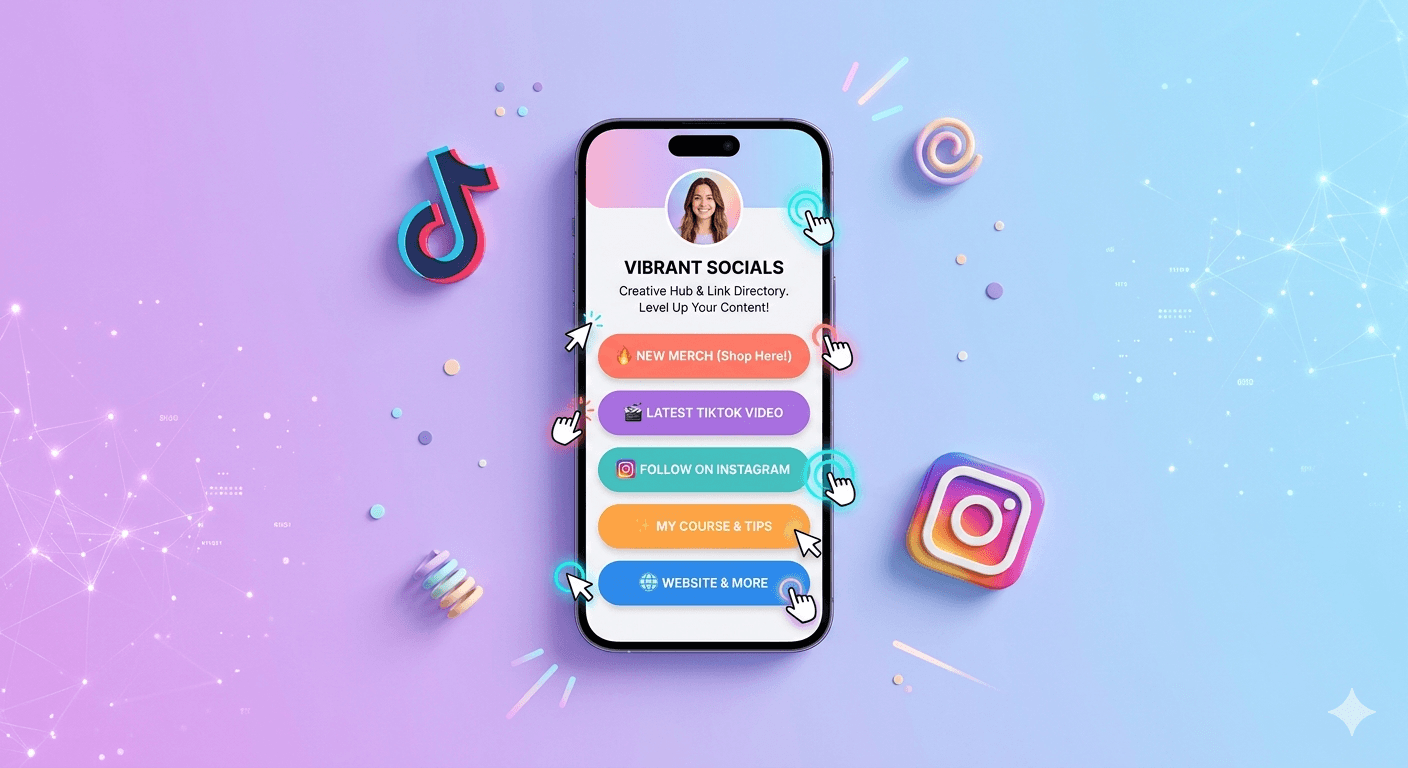
Instagram is the king of the "Link in Bio" culture. While they now allow multiple links natively, using a dedicated Link-in-Bio tool is still the gold standard for 2026. Why? Because a single link to a beautiful "landing page" looks cleaner and provides better data.
Best Link-in-Bio Tools for 2026:
For the "All-in-One" Creator: Stan Store has taken over 2026. It’s not just links; it’s a tiny digital storefront where you can sell products or book calls directly.
For the Aesthetic Minimalist: Linktree remains a classic. It’s easy, free, and everyone knows how to use it.
For the Data Nerd: Beacons.ai uses AI to help you design your page and gives you deep analytics on who is clicking what.
Pro-Tips for Maximum Clicks
Regardless of the platform, follow these three "Golden Rules" to ensure your links actually get clicked:
The "Verbal Cue": Don't just put the link there. In your video or caption, say: "I put the details in the link in my bio!" or use an on-screen arrow pointing to your profile picture.
Give Them a Reason: Instead of a button that says "My Website," use a Call-to-Action (CTA).
Try: "Grab the Free Guide" or "Shop the 50% Off Sale." Track Everything: Use a shortener like BlinkURLs to see exactly how many people are coming from TikTok vs. Instagram. If TikTok is driving 90% of your traffic, you know exactly where to spend your energy.
The Bottom Line
In 2026, your bio link is your digital front door. Don't leave it messy or broken. Whether you're using a simple short link on TikTok or a full "mini-site" on Instagram, the goal is the same: make it as easy as possible for your fans to find what they’re looking for.
Track Instagram Bio & Story Sticker Clicks
Measure exact click volumes, conversion attribution, and peak engagement hours from your Instagram profile and Stories.
Reviews & Comments
Join the conversation. Share your thoughts, rate this article, and help us improve.
Reader Activity (0)
No approved reviews yet. Be the first to leave a comment!
Leave a Review
Your email address will not be published. Required fields are marked *
Deploy on High-Performance Infrastructure
Hostinger provides fast, secure, and affordable web hosting for your brand.
Sub-50ms Edge Redirects
Don't let slow links kill your conversion rate. Experience the world's fastest redirect engine.
Stay ahead of the curve
Elevate your growth alongside 5,000+ elite link scientists receiving our weekly insights on optimization and digital scale.
Level Up Your Budol: How to Scale Your TikTok, Lazada, and Shopee Shop in PH
More from Social Media
View all
Stop Guessing: Fix Instagram Link Tracking for Bio, Stories & Reels (Free)
Fix Broken Facebook Previews Instantly: Bypass Debugger Hassles (Free)