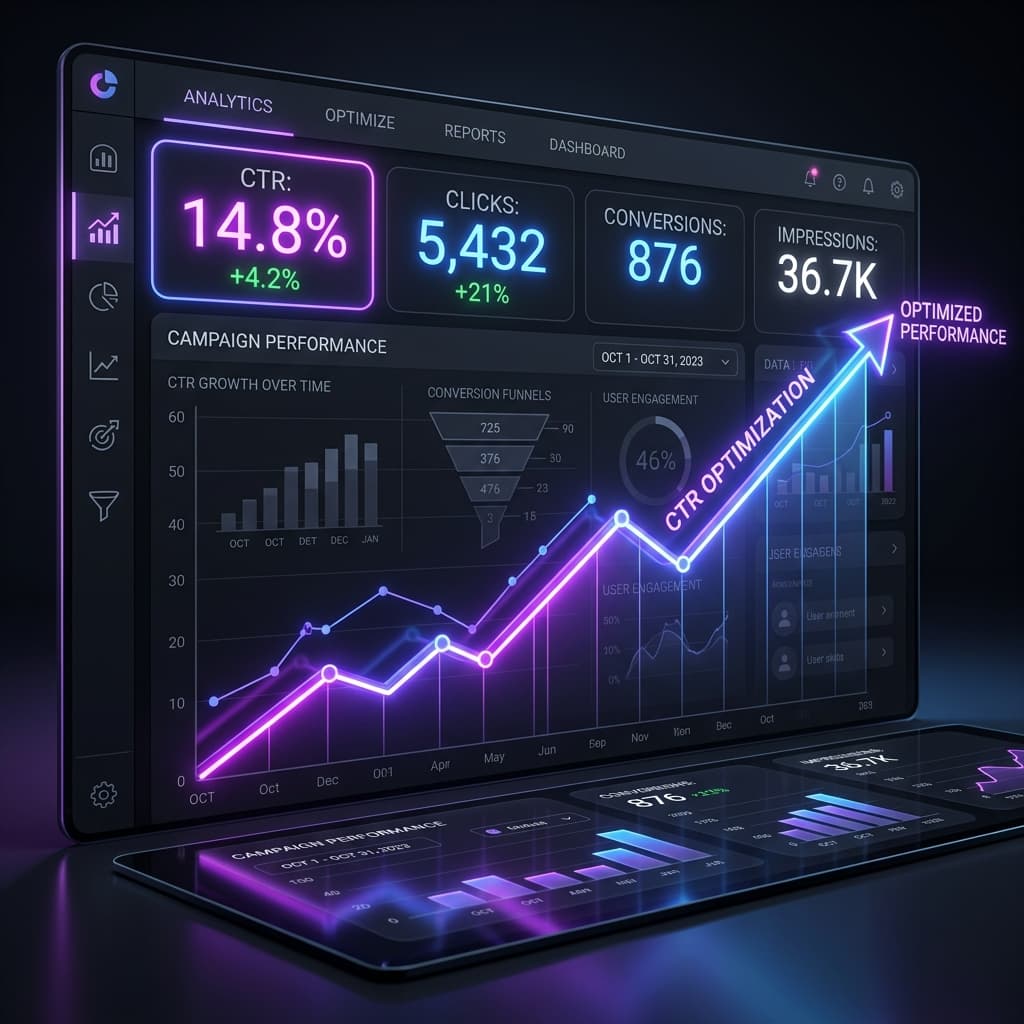
The Cost of Low Click-Through Rates (CTR)
Every single day, marketers and content creators share thousands of links across social media, email newsletters, and online forums. Yet, a staggering number of these shares return zero results. Why? Because of poor Click-Through Rate (CTR).
If you have spent hours writing a world-class blog post or designing a brilliant product page, getting views is the lifeblood of your business. If people do not click on your shared link, your hard work goes completely unnoticed. Low CTR does not just mean fewer pageviews—it actively signals to social algorithms that your content is unengaging, which permanently suppresses your organic reach.
In this guide, we will break down the exact, science-backed strategies you can implement right now to increase your click-through rate by 34% or more, without spending a single dollar on paid advertising.
What is Click-Through Rate (CTR) & Why It Matters
Mathematically, CTR is incredibly simple:
CTR = (Total Clicks / Total Impressions) × 100If 1,000 users see your link on their Facebook feed (impressions) and 10 of them click on it, your CTR is 1%.
But why does a high CTR matter so much?
- Algorithmic Boost: Platforms like Facebook, X, and LinkedIn rank posts based on engagement. A high CTR tells their algorithms that your content is highly relevant, prompting them to show it to a broader audience.
- Lower Customer Acquisition Costs: High CTR means more traffic from the same amount of audience reach, boosting your overall ROI.
- Brand Trust: The visual appearance of your link directly correlates with your brand's perceived professionalism and authority.
The Silent Killer of CTR: Long, Cluttered, and Spammy Links
Let's play a quick psychological game. Which of these two links are you more likely to click on a public forum?
https://mybusinesssite.com/p/shop/products/summer-sale?utm_source=facebook&utm_medium=organic&utm_campaign=promo2026&track=1blinkurls.com/summer-sale
To immediately recover this traffic, you must shorten and brand your links. Using a free utility like BlinkURLs, you can transform long tracking URLs into short, highly recognizable links that users can trust at a single glance.
4 Actionable Steps to Explode Your CTR for Free
Step 1: Shorten with Custom and Branded Domains
Generic short URLs (like bit.ly/3x8f2) are better than long tracking strings, but they still hide your brand identity. By connecting a custom domain to your BlinkURLs Dashboard (for example, links.yourbrand.com), you display your brand name alongside the custom alias. Branded links are proven to drive up to **34% higher click-through rates** compared to generic short links because they assure users that the link leads to a secure, verified destination.
Step 2: Take Full Control of Social Share Previews
When you paste a link into Facebook, LinkedIn, or X, the platform automatically scrapes the target page to build a visual card (the Open Graph preview). Often, this card renders with a generic logo, a cropped image, or truncated text, which looks highly unappealing.
To win the click, you must optimize this card. Through the **BlinkURLs Social Preview Studio**, you can completely override the metadata of any shortened link. You can upload a high-resolution, custom 16:9 graphic, write a click-magnet title, and structure a high-converting description—all without editing a single line of code on your target website. A beautiful, high-quality image preview can increase CTR by over **150%** on visual feeds.
Step 3: Utilize Emojis and Urgency in Link Copy
The text directly surrounding your link plays a vital role in setting user expectations.
- Add Emojis: Emojis like 👇, 🚀, or 📈 naturally draw the user's eye to the link.
- Create Micro-Urgency: Instead of writing "Click here to read," use action-focused triggers like "Grab the free guide now 👇".
- Avoid Capitalization Overload: Using ALL CAPS can look desperate and lower trust. Keep your copy professional, punchy, and helpful.
Step 4: Test, Analyze, and Iterate in Real-Time
What works for a LinkedIn audience might completely fail on Facebook. To continuously improve your CTR, you need clean analytics. Through the BlinkURLs Analytics Panel, you can track click performance in real-time. Look closely at:
- Referrer Channels: See whether your organic posts or direct comments generate higher engagement.
- Device Metrics: If 90% of your readers are clicking from mobile devices, ensure your destination pages load in under 2 seconds and are perfectly mobile-optimized.
Get Started with BlinkURLs Today
Increasing your click-through rate doesn't require a premium marketing budget. It simply requires attention to detail. By branding your links, optimizing your social previews, and analyzing your results, you can start unlocking up to 34% more organic traffic from day one.
Ready to boost your CTR? Create your free BlinkURLs Account today and create your first branded link in under 30 seconds!
Generate Standardized UTM Links for GA4
Eliminate dark traffic and measure multichannel ROI. Generate clean campaign URLs and shorten them into branded links in seconds.
Reviews & Comments
Join the conversation. Share your thoughts, rate this article, and help us improve.
Reader Activity (0)
No approved reviews yet. Be the first to leave a comment!
Leave a Review
Your email address will not be published. Required fields are marked *
Deploy on High-Performance Infrastructure
Hostinger provides fast, secure, and affordable web hosting for your brand.
Sub-50ms Edge Redirects
Don't let slow links kill your conversion rate. Experience the world's fastest redirect engine.
Stay ahead of the curve
Elevate your growth alongside 5,000+ elite link scientists receiving our weekly insights on optimization and digital scale.